Welcome to your community blog! This is a sample post from the MassEnergize team. It shows how a post looks on your site, both as a card on the Blog page and here on its own page. Have a look around, then edit it into your first real story or delete it.
What makes a great community blog post
Blog posts are a great way to share what your neighbors are doing, from a home energy upgrade to a local event recap. A few things help a post shine:
- A clear title that tells readers what the post is about.
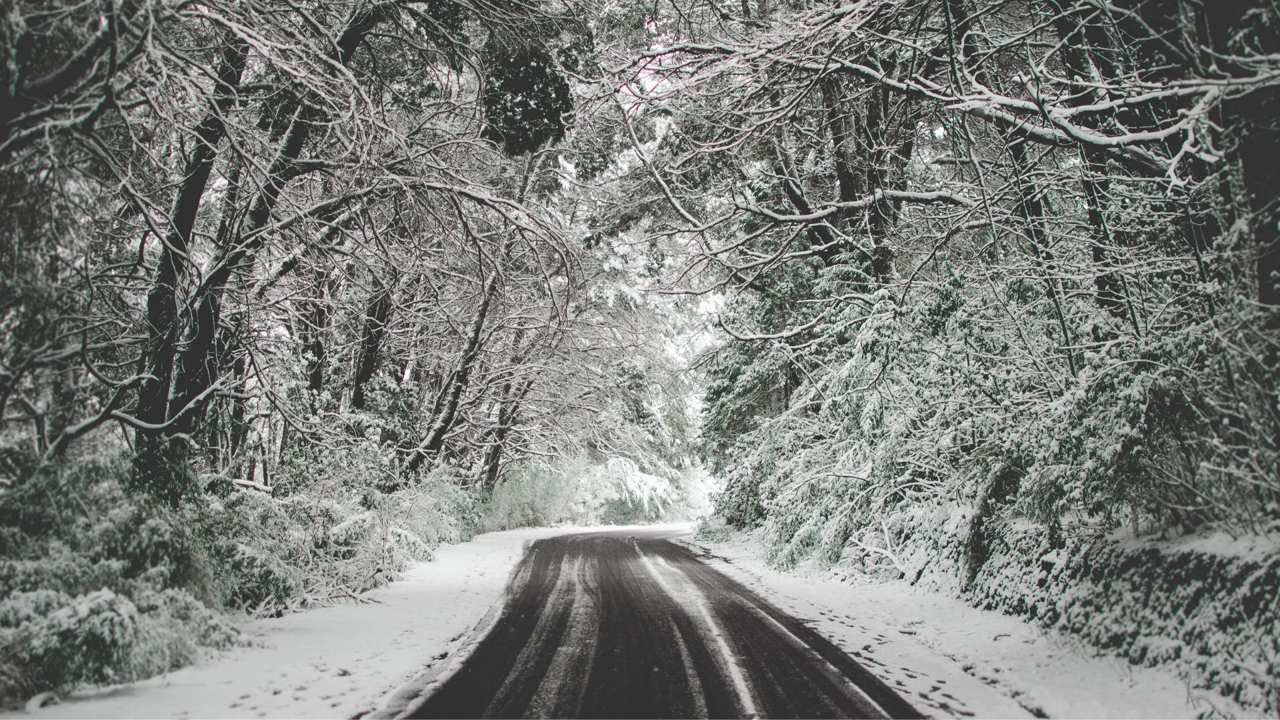
- A featured image. Landscape photos look best on the blog cards.
- A category, so readers can filter posts on the Blog page.
- A strong first paragraph. It becomes the preview text on the card.
Formatting your text
You can use bold for emphasis, italics for titles or asides, and links to point readers to more information. Short paragraphs are easier to read on phones.
Small actions, multiplied by many neighbors, add up to real change.
A quote block, great for highlighting a resident’s words
Step-by-step instructions
Numbered lists work well for how-to posts:
- Go to Blogs → Add Blog Post in your dashboard.
- Add a title, write your story and set a featured image.
- Choose a category, then click Publish.
This sample post was added by the MassEnergize team. It is not shared with other communities. Delete it whenever you like.